With a tight four-month timeline, I structured the project around two rounds of Maze testing — one internal, one with real clients — to validate decisions early and avoid late-stage rework. Research and ideation ran in parallel with ongoing feedback loops through Harvestr and Notion.
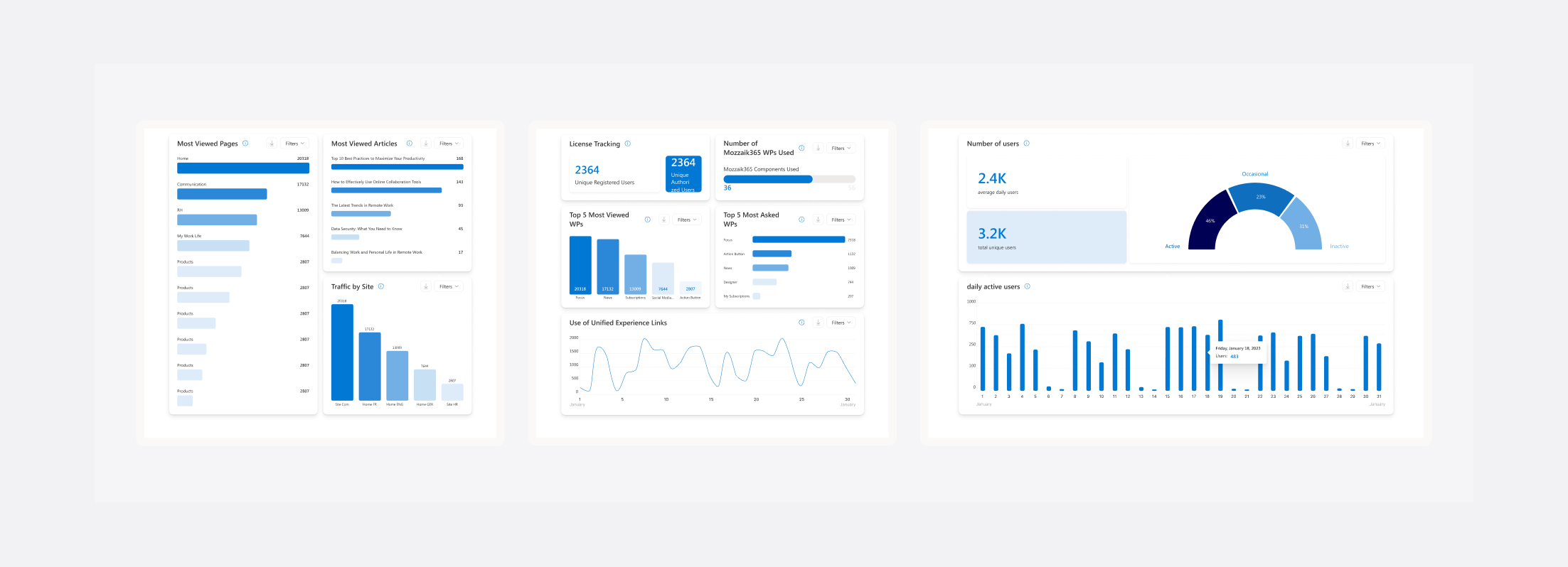
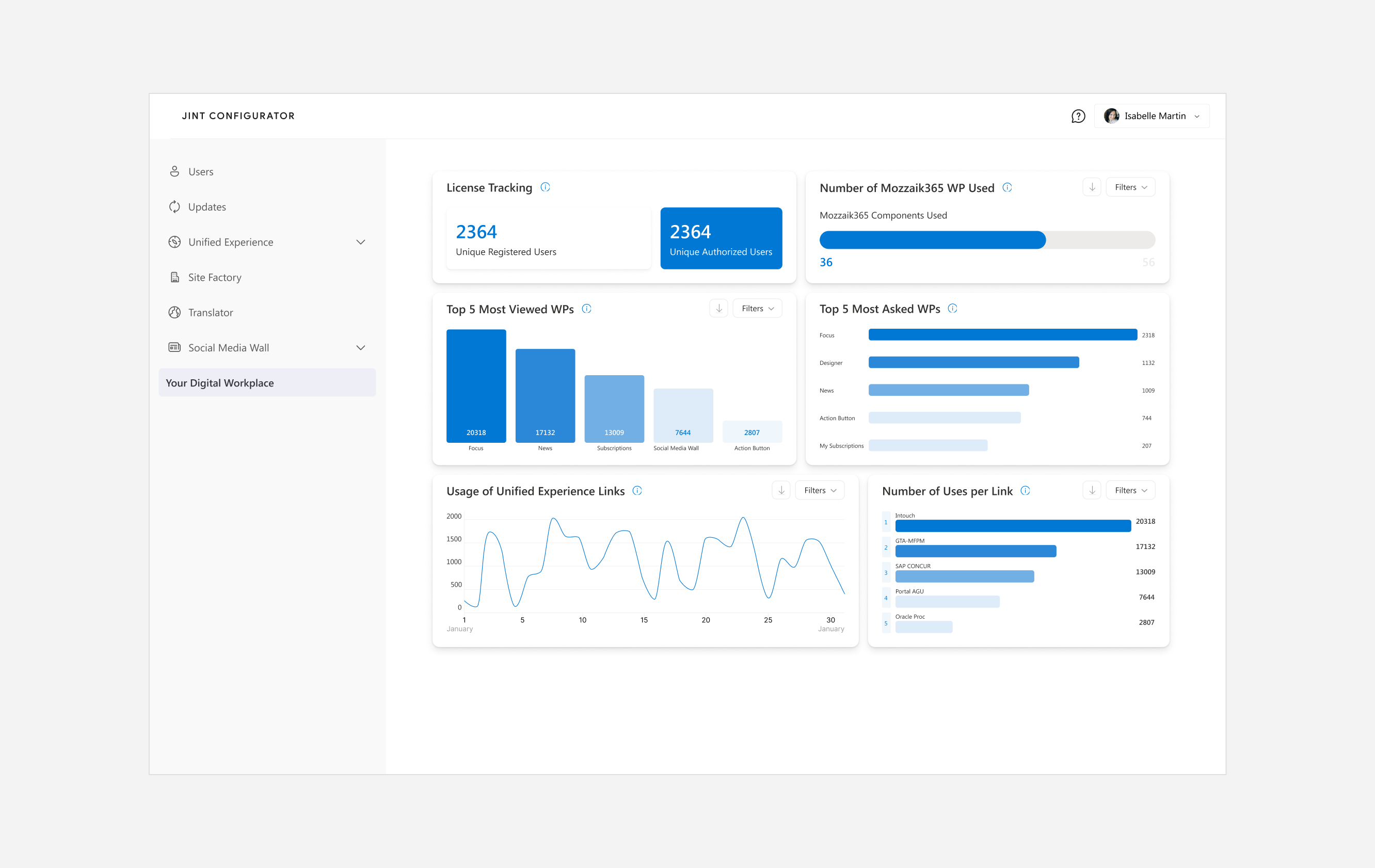
I started by auditing the existing dashboard with CSMs, mapping every metric displayed against what users actually needed to know. Most of the data was technically correct but contextually meaningless — no labels explaining what a "unique user" meant in the Jint context, no way to filter, no visual hierarchy to guide the eye. I also reviewed client feedback collected through Harvestr to identify recurring pain points.
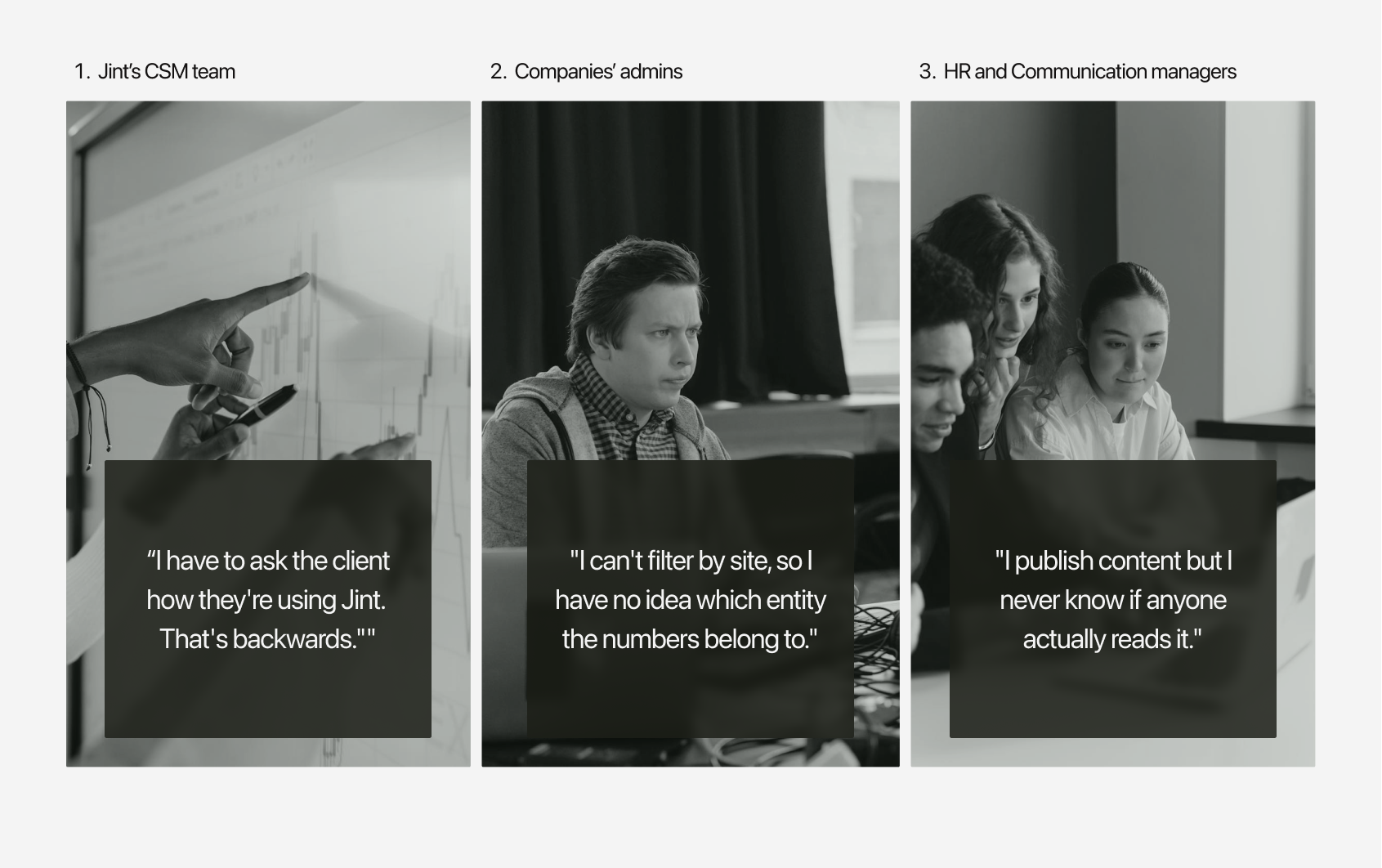
I mapped the three user profiles and their distinct goals: CSMs needed a bird's-eye view of client engagement to prompt action; client admins needed site-level granularity to report upward; HR and communication managers needed to understand content reach without technical jargon.
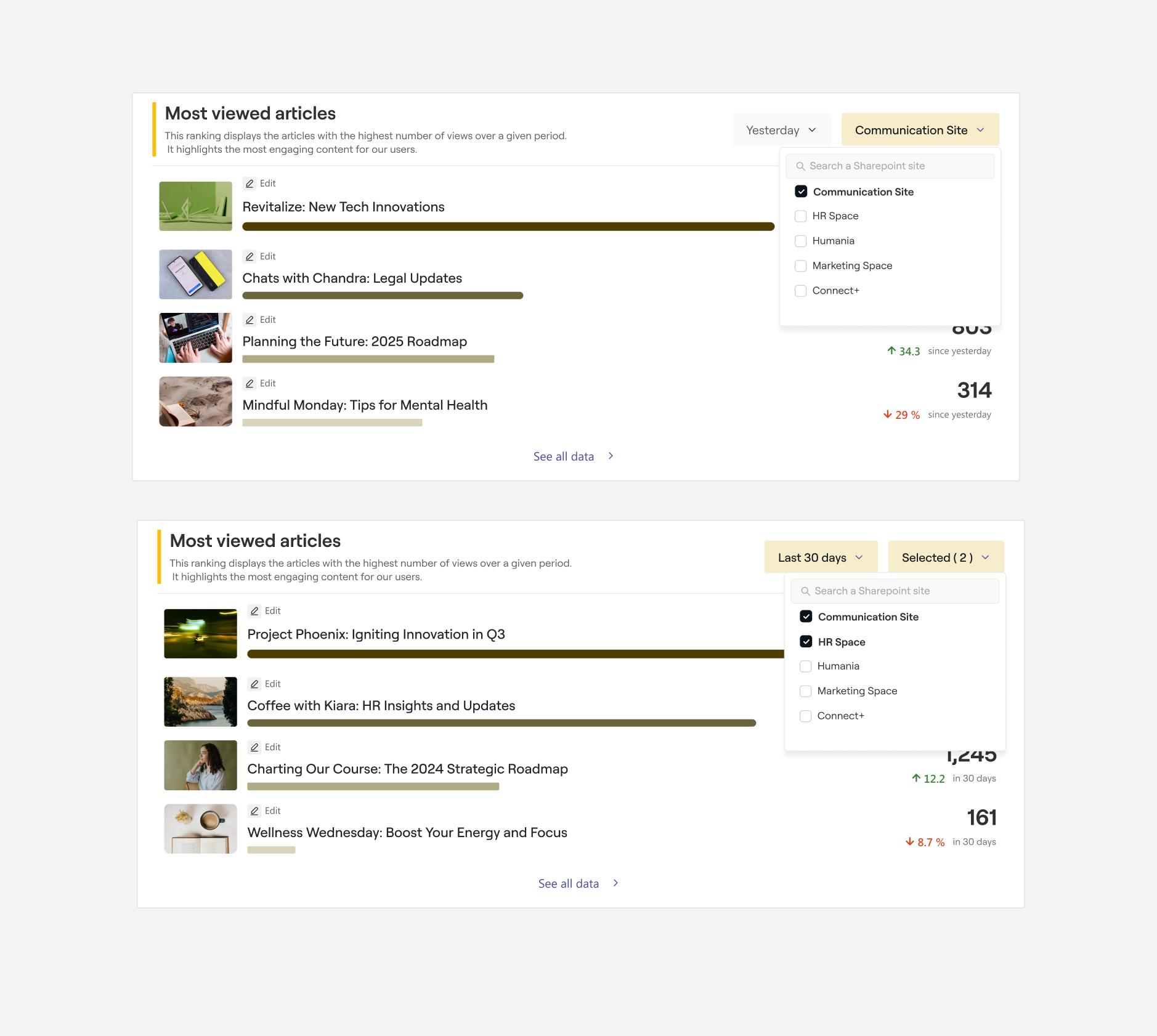
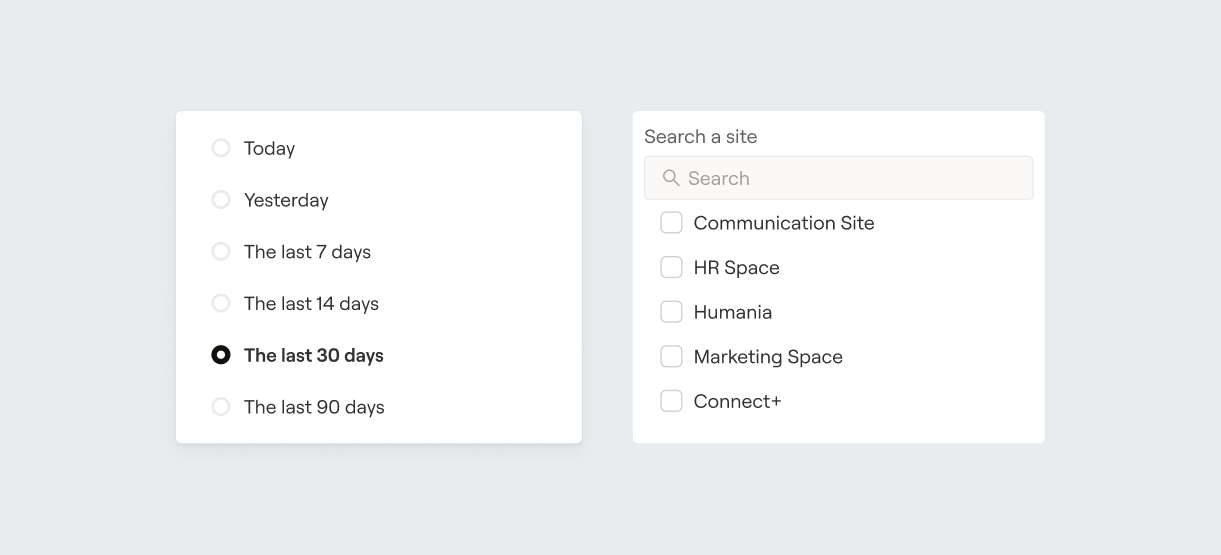
This shaped the information hierarchy and filter logic — date range and site became the two primary axes of control.
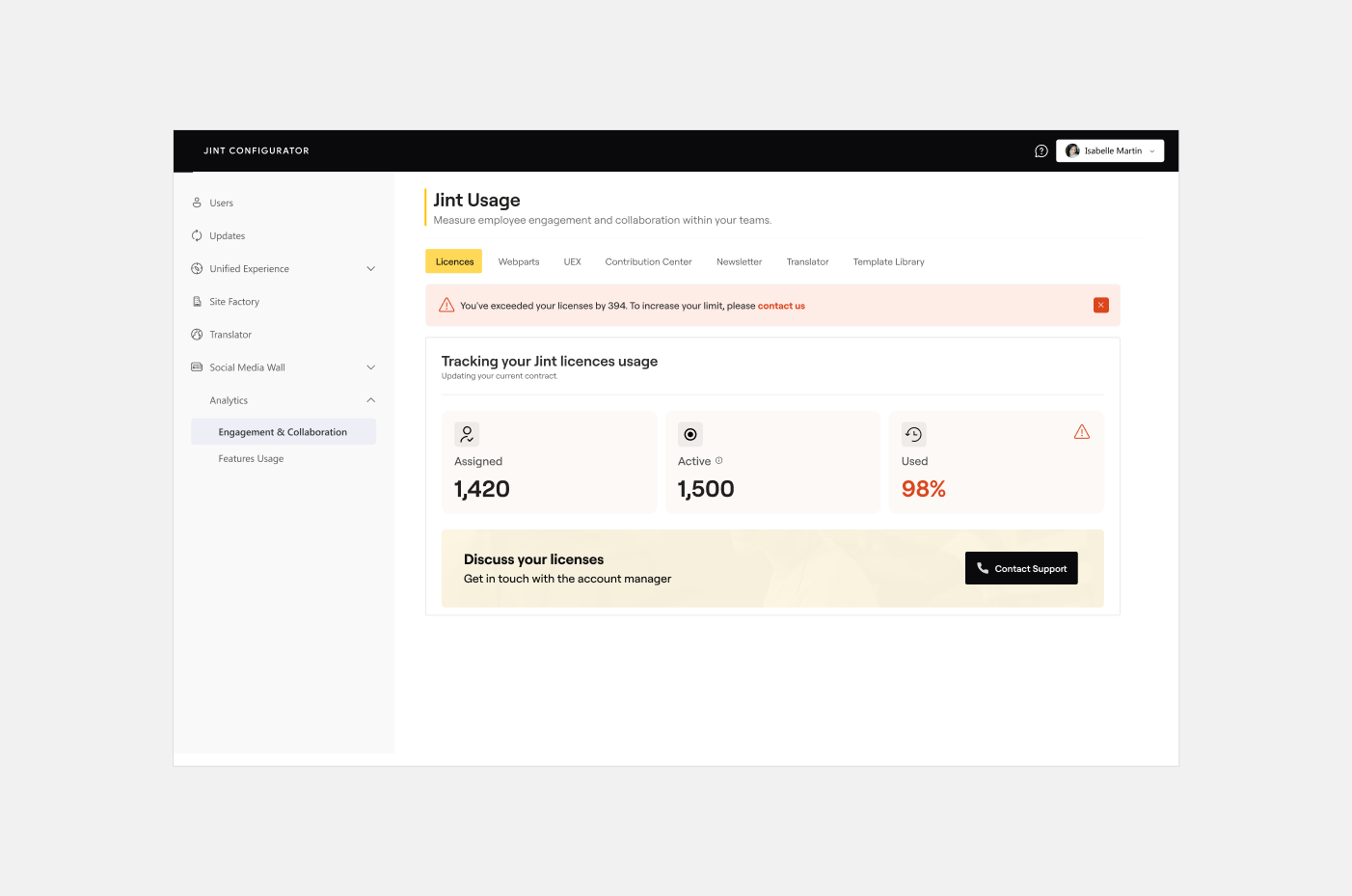
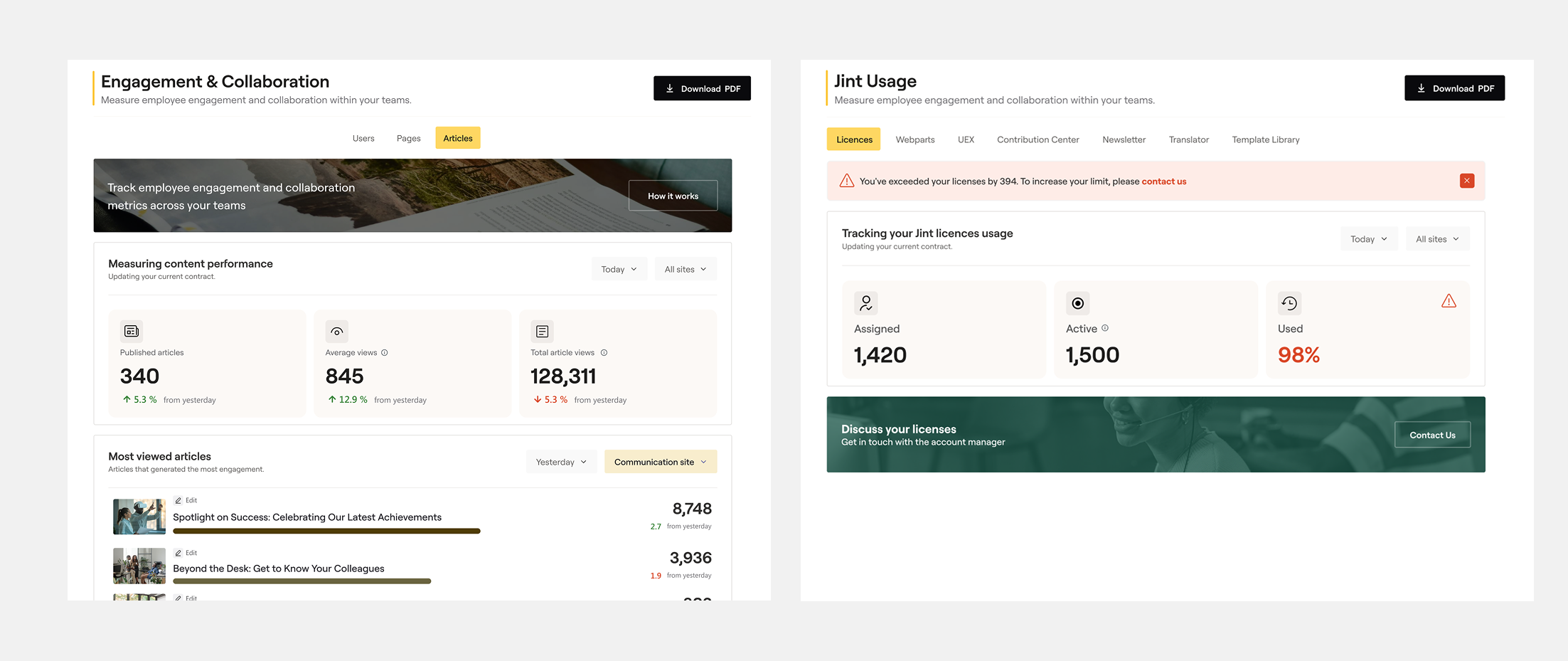
Rather than presenting raw figures, I introduced a storytelling layer: descriptive subtitles under each metric (explaining what it measures and why it matters), contextual tooltips on hover, and a clear colour and typographic hierarchy to separate primary KPIs from supporting data. The licence consumption widget was elevated to a prominent position, with a contextual renewal banner appearing when a threshold was reached — integrated into the data flow rather than bolted on as a generic CTA.
4.
Internal Testing (Maze)
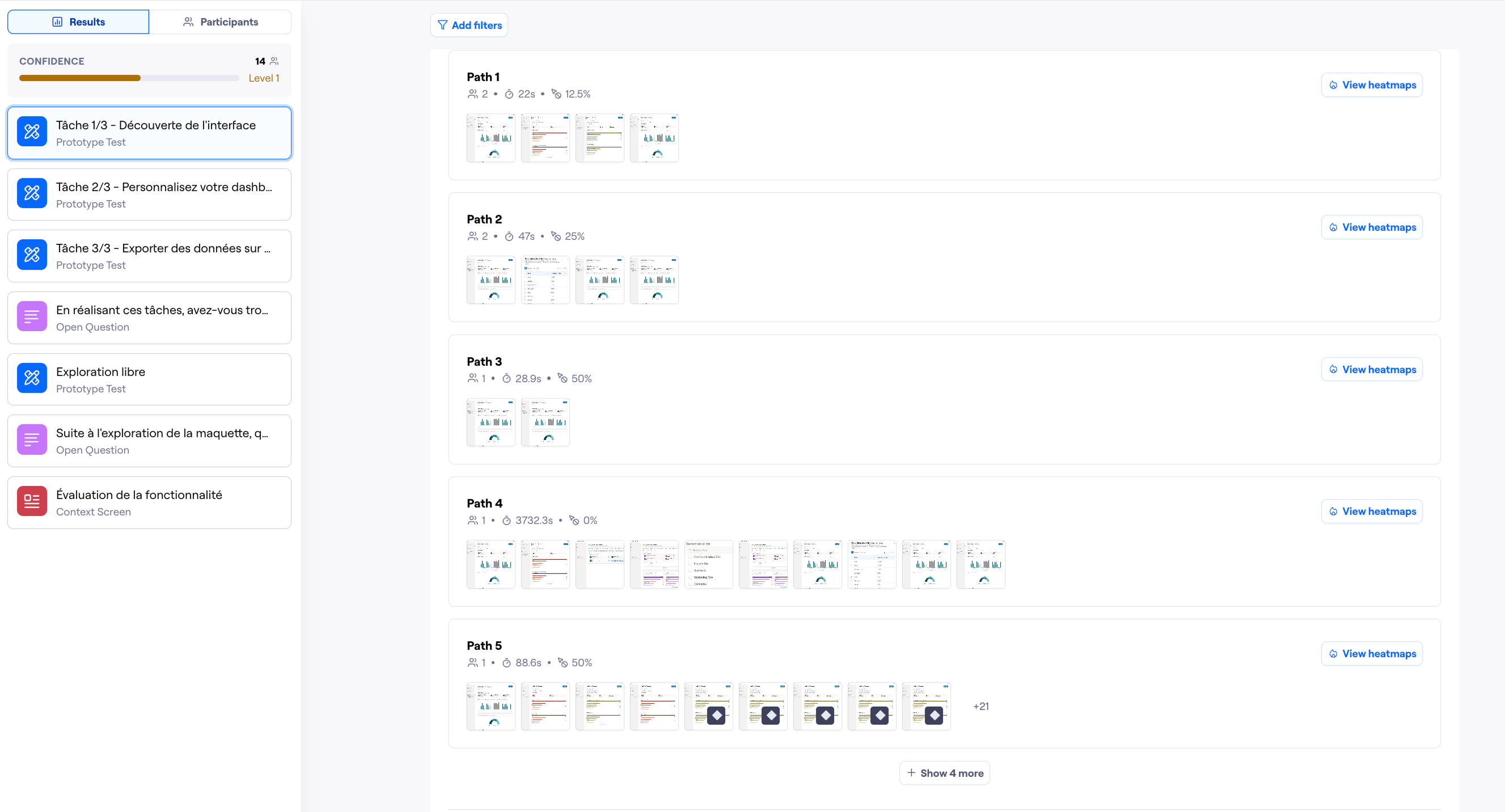
The first Maze test ran with internal collaborators — members of the Jint team who would use the dashboard daily. Tasks focused on three things: finding a specific metric, understanding what a data point meant, and judging the overall usefulness of the dashboard. Findings from this round led to adjustments in label wording and the positioning of the filter controls.
5.
External Testing (Clients)
The second round extended the test to five real clients over one month — a deliberate decision to validate with the people who would actually live with the dashboard. This phase surfaced one key insight: client admins needed even more explicit site-level labelling, since their organisations often ran Jint across multiple entities with distinct teams. A final iteration tightened the filter UI and added clearer site identifiers throughout.